
Vectorization guide
Short articles about turning images into vectors. Each one answers a single question and shows the result on real artwork.
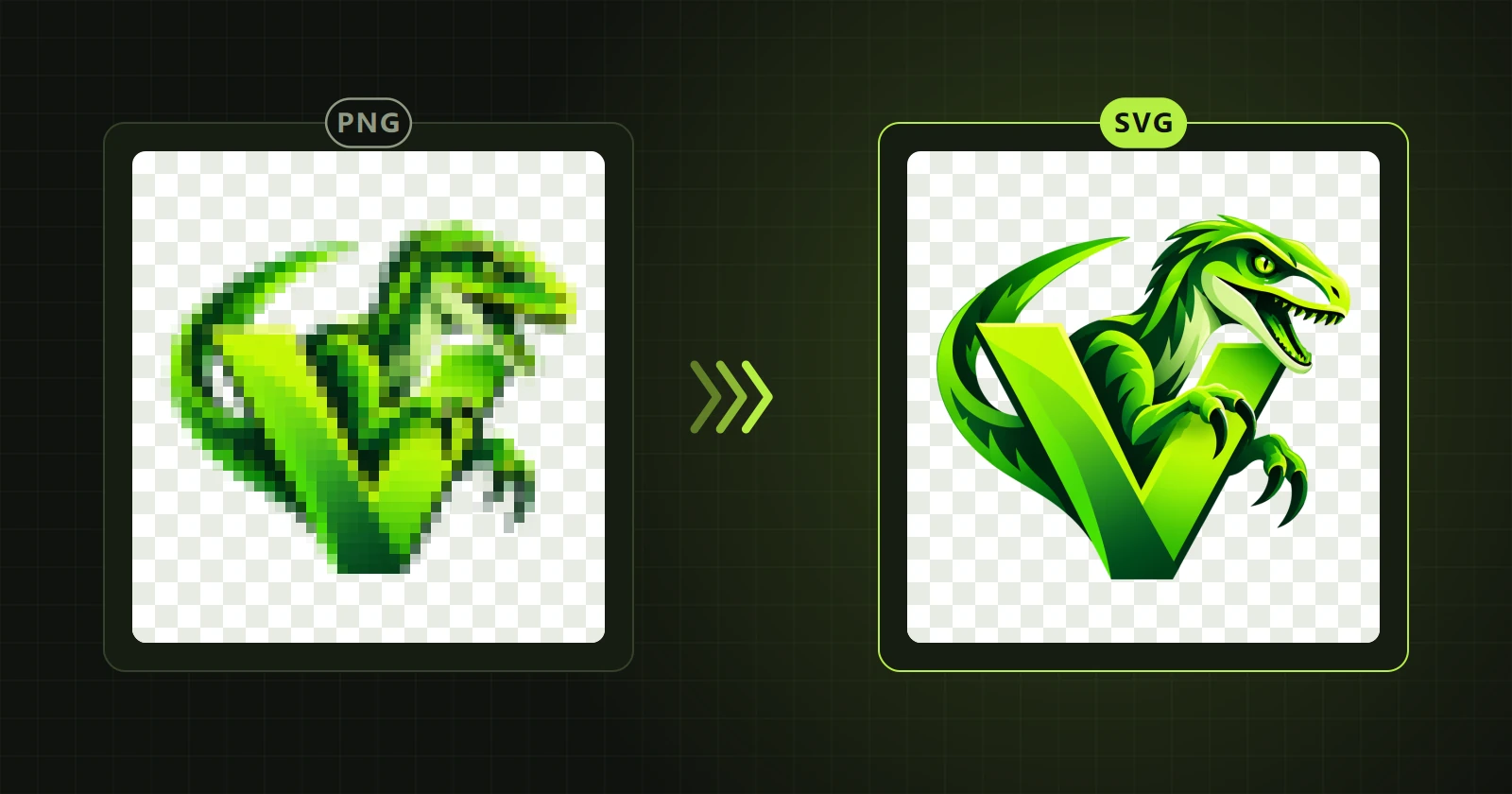
PNG and JPG to SVG on Windows, without uploading the file
How to turn a PNG, JPG or WebP into an SVG with real paths on a Windows computer. Four steps and an example on a logo.
Read →
Desktop program or online converter: how they differ
When an image converter in the browser is enough and when a desktop vectorization program is the better choice. Privacy, control over the result, editing.
Read →
How to vectorize a logo, step by step
How to turn a logo from a PNG or JPG file into a vector: preparing the image, settings, checking the edges and saving as SVG, AI or PDF.
Read →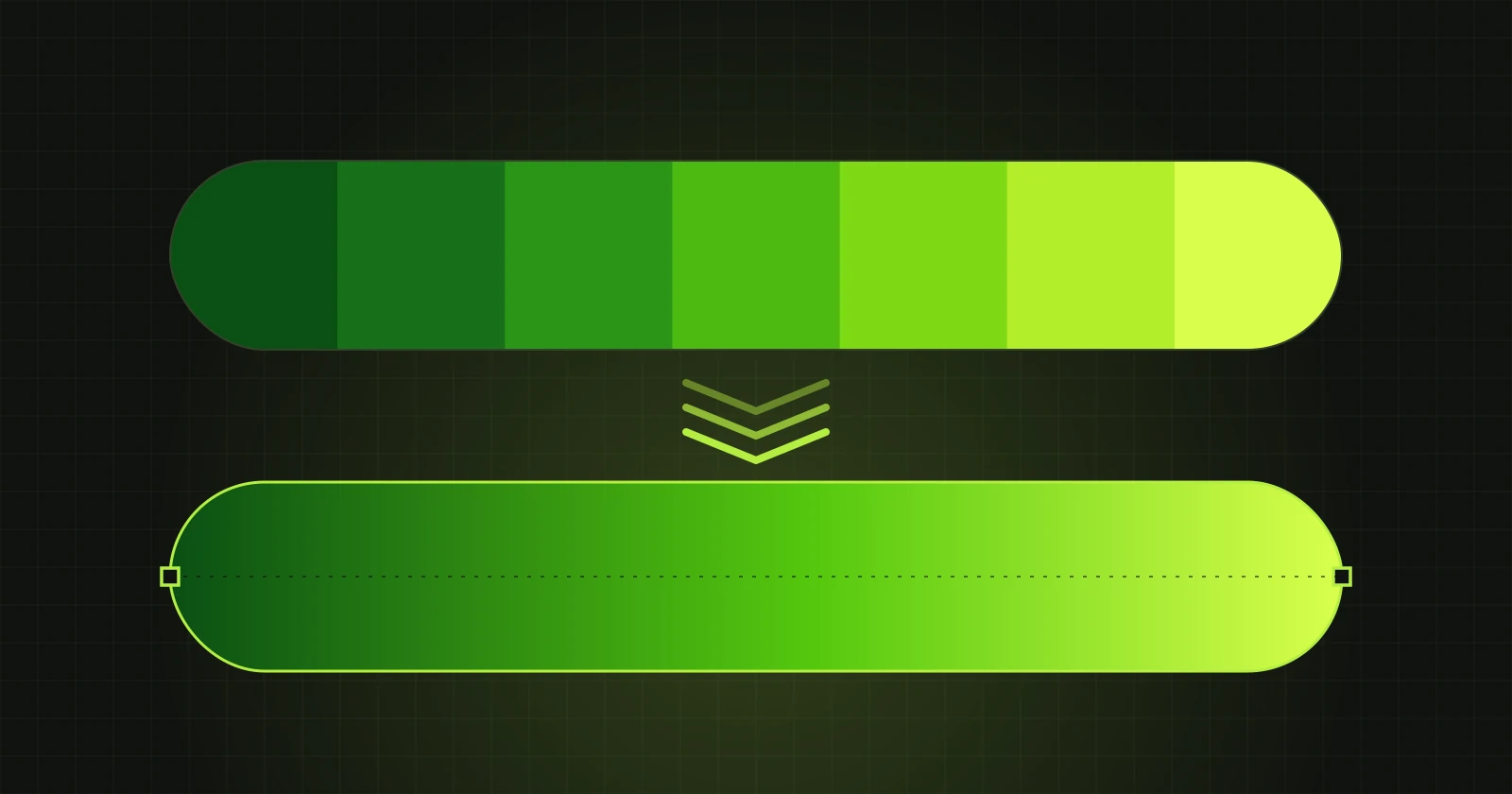
Vectorizing with gradients: how to keep smooth transitions
Why a gradient turns into bands after vectorization and how to avoid it. Objects with gradients in VectorRaptor, shown on a logo.
Read →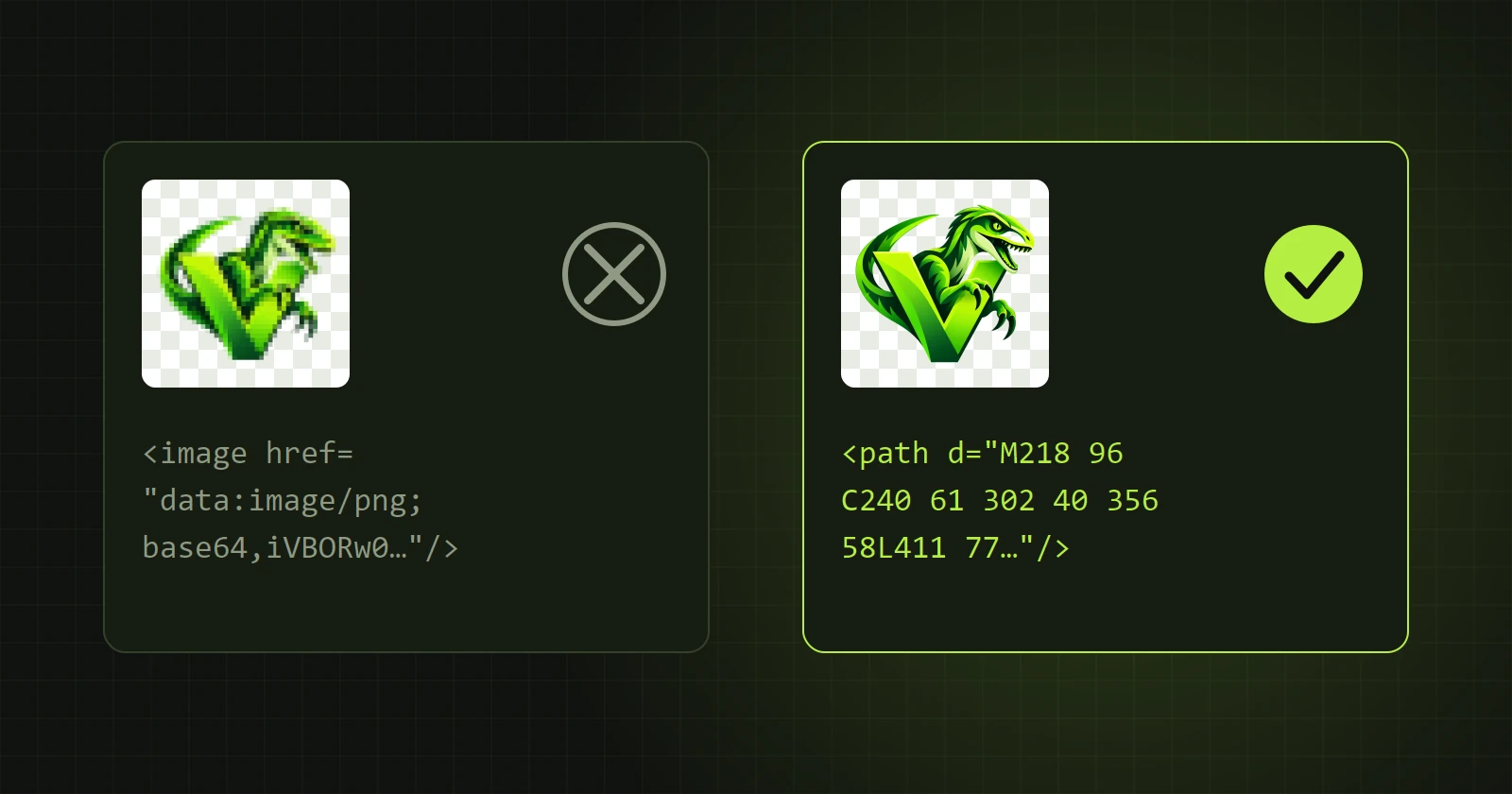
SVG with paths or with an embedded image: how to check a file
Not every SVG file is a vector. Three ways to check whether an SVG contains real paths or only a raster picture inside.
Read →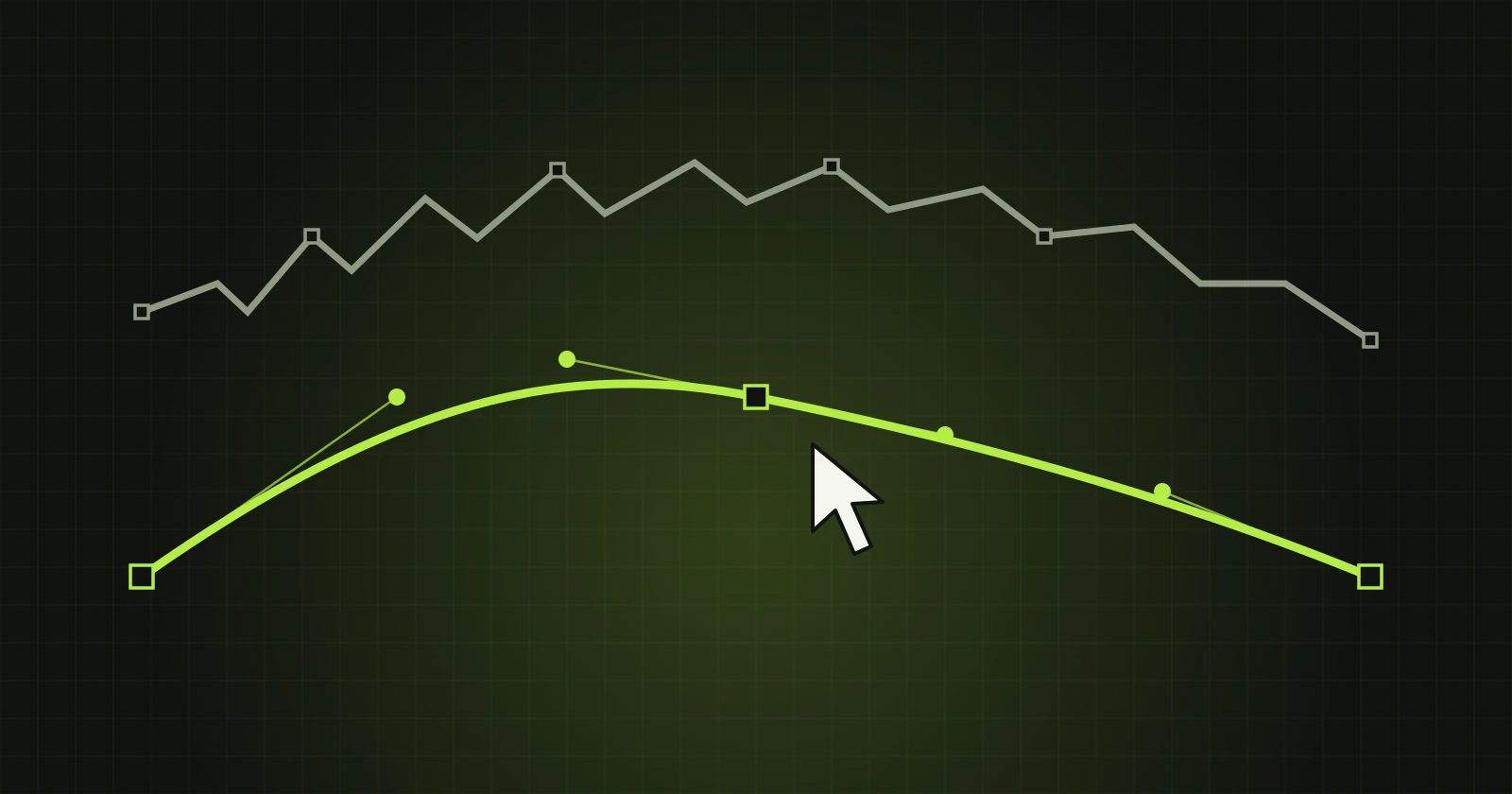
Fixing paths after vectorization
How to correct the result of automatic vectorization: smoothing a boundary, moving and removing points, deleting small shapes. Examples from VectorRaptor.
Read →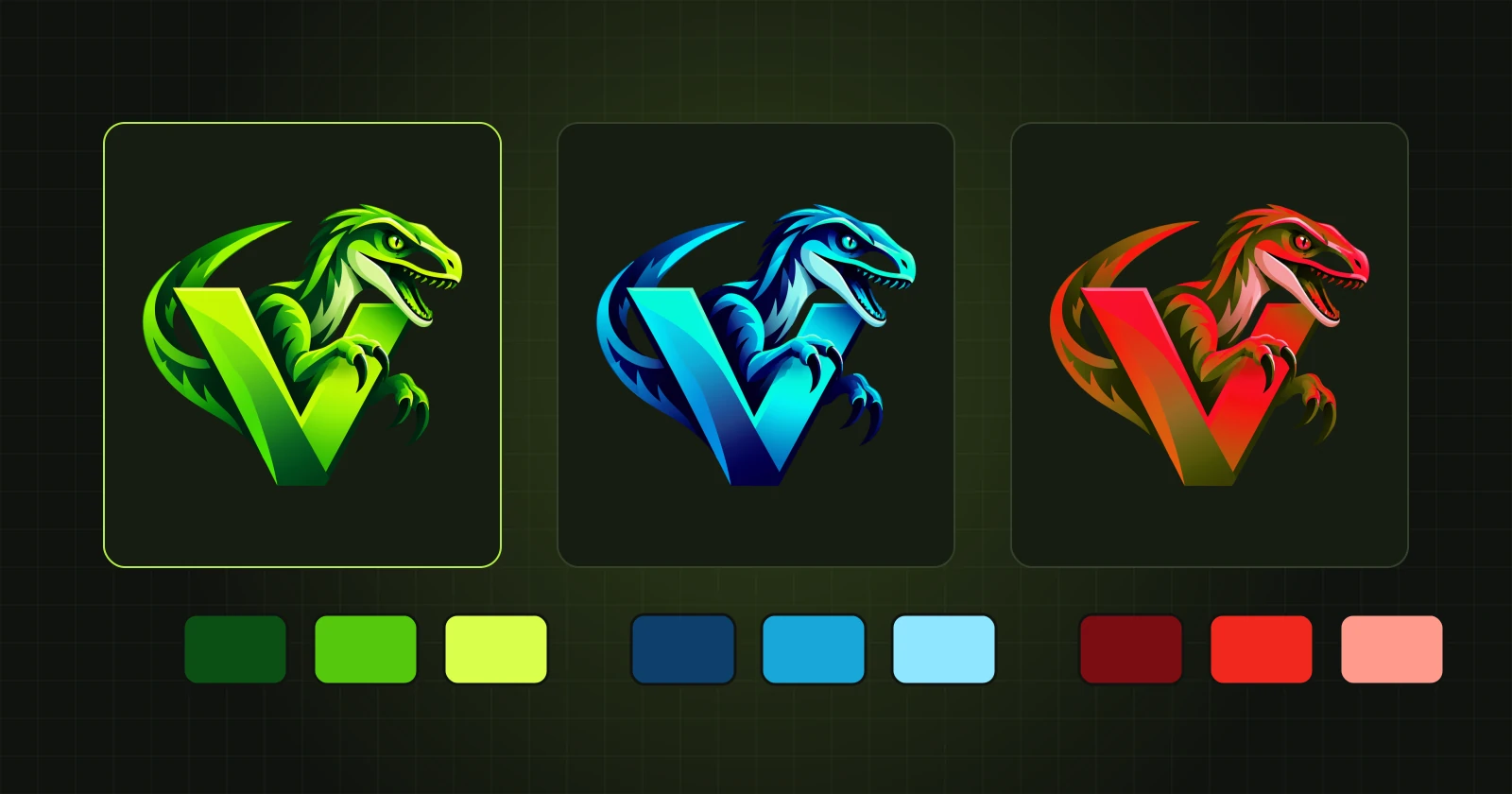
Changing colours and gradients on a finished vector
How to recolour a shape, repaint a whole object or apply a gradient of two or three colours to a vectorized result in VectorRaptor.
Read →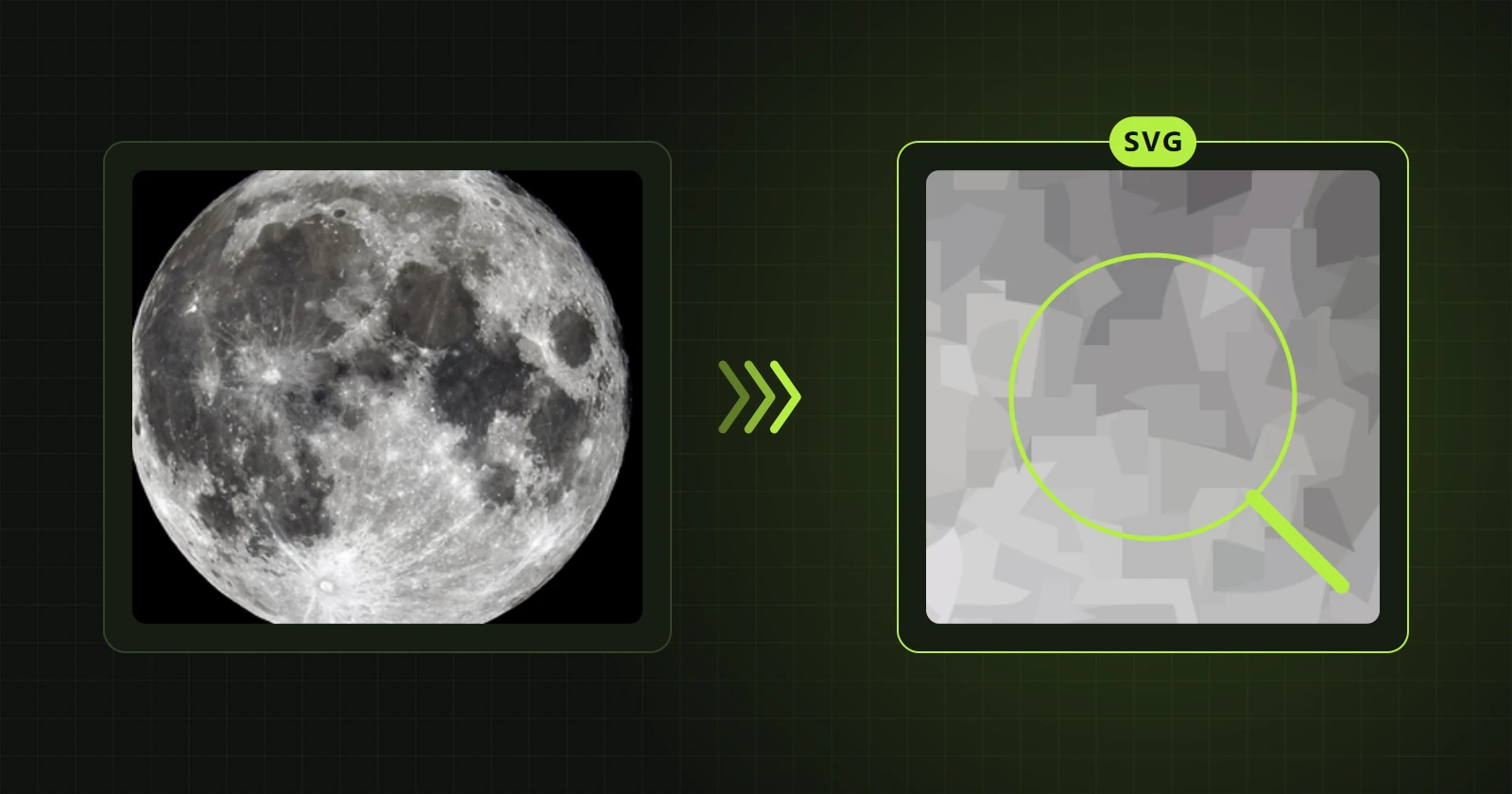
Photo to vector: what is possible and what is not
Can a photograph be turned into vector graphics? Two ways in VectorRaptor: photo mode for large prints and a simplified illustration for editing.
Read →
Preparing a vector for print
How to prepare vector artwork for a printer: file format, size, checking edges, gradients and seams between shapes.
Read →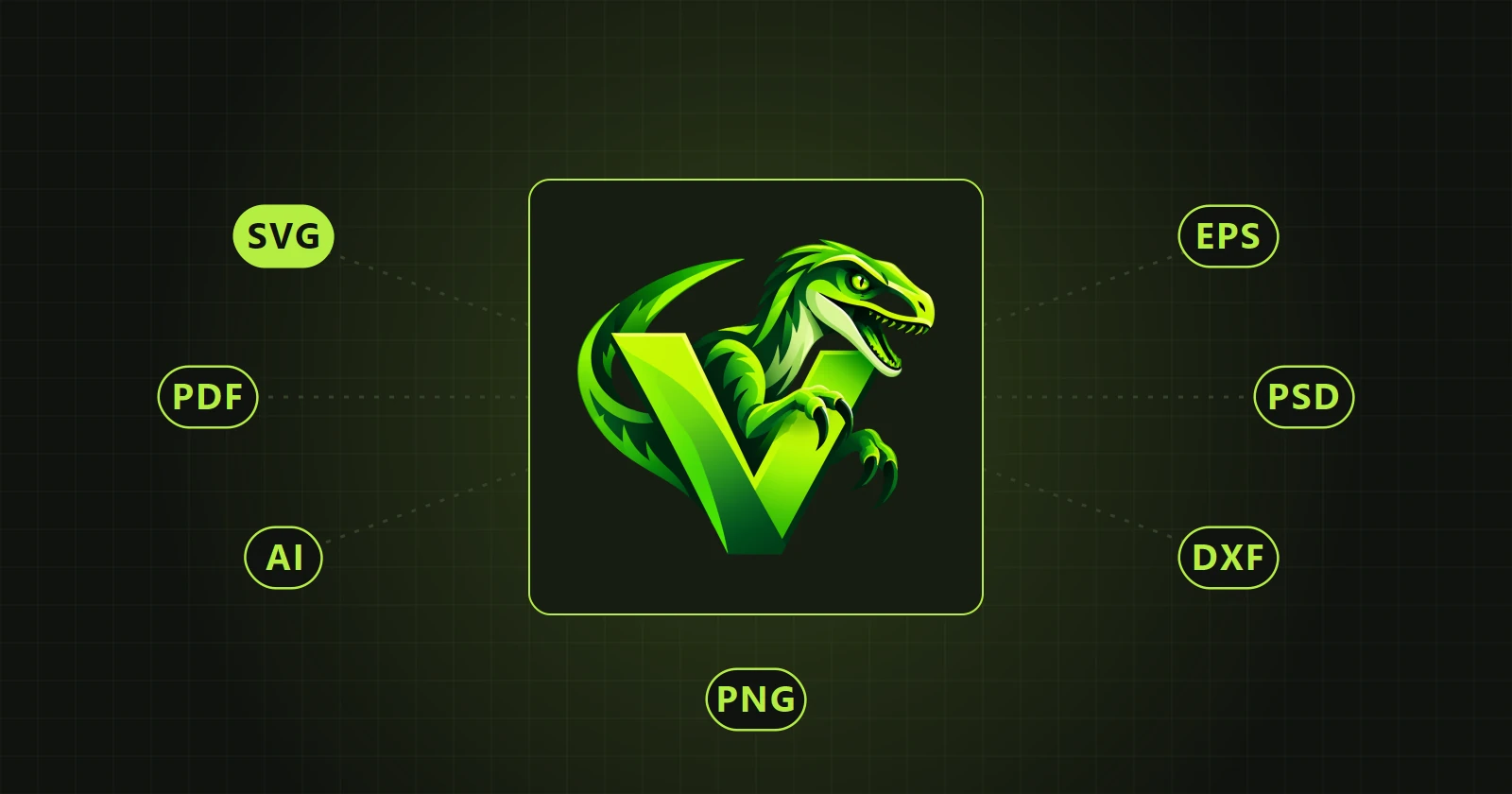
Which format to choose: SVG, PDF, AI, EPS or PSD
How SVG, PDF, AI, EPS, PSD, DXF and PNG differ when saving vector artwork, and which to choose for the web, print, Illustrator, Photoshop and plotters.
Read →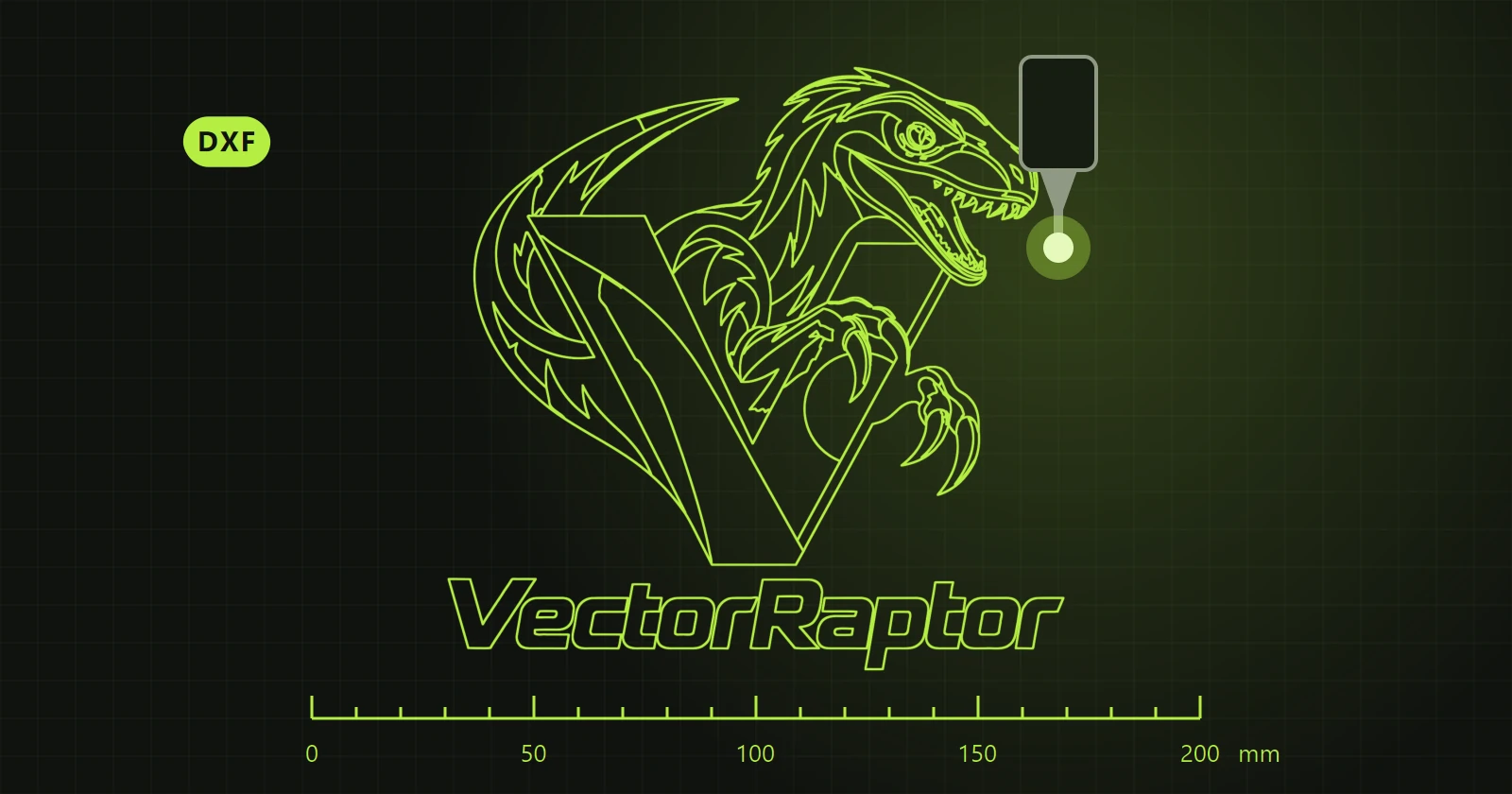 New in the next update
DXF files for plotters, lasers and CNC
How to make a DXF file from a PNG or JPG for vinyl cutting, laser engraving and milling: outline modes, curves, size in millimetres.
Read →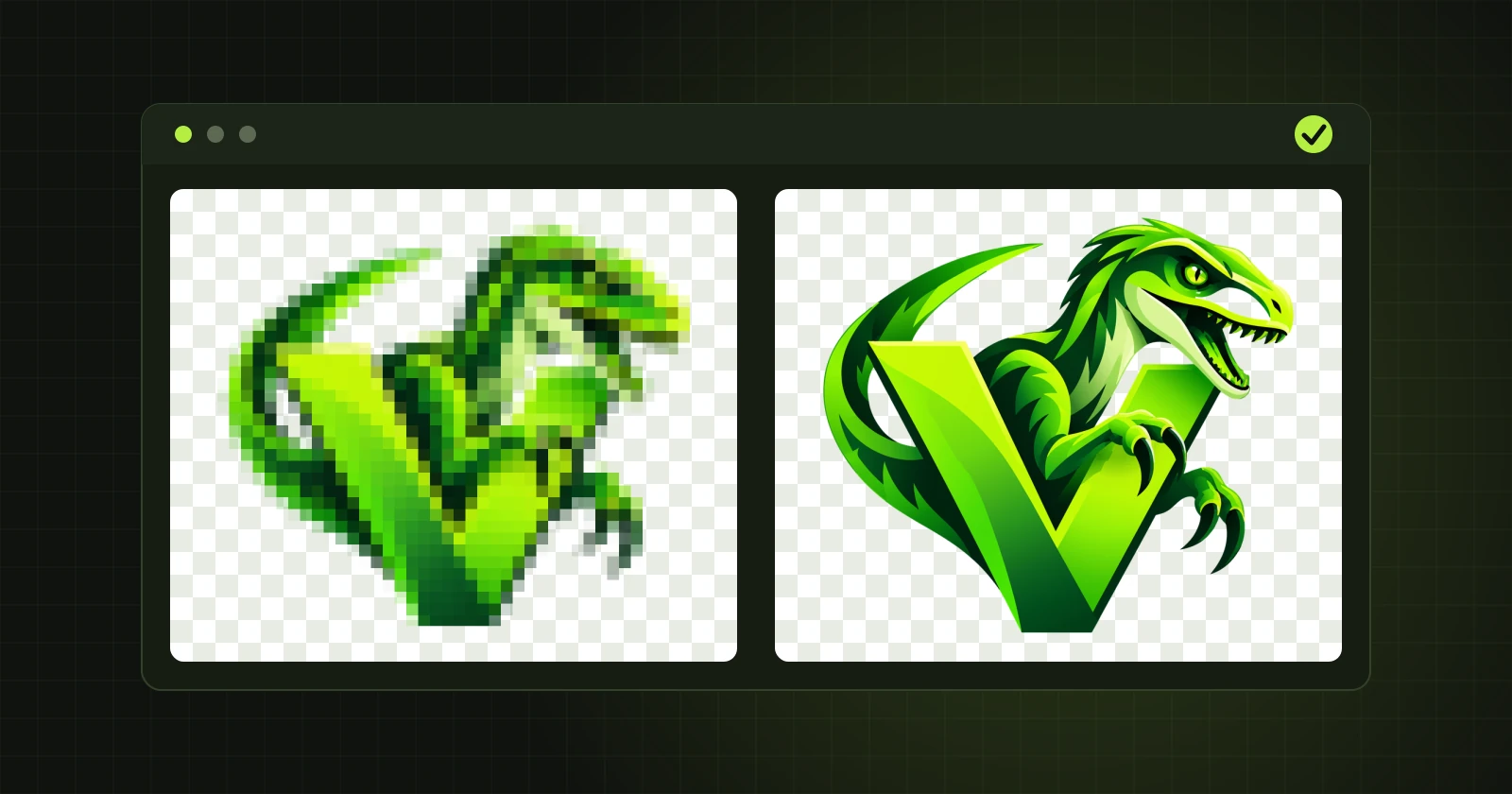
How to try VectorRaptor on your own artwork
What the VectorRaptor demo version lets you check, what it leaves out, and how to judge in a quarter of an hour whether the program copes with your images.
Read →