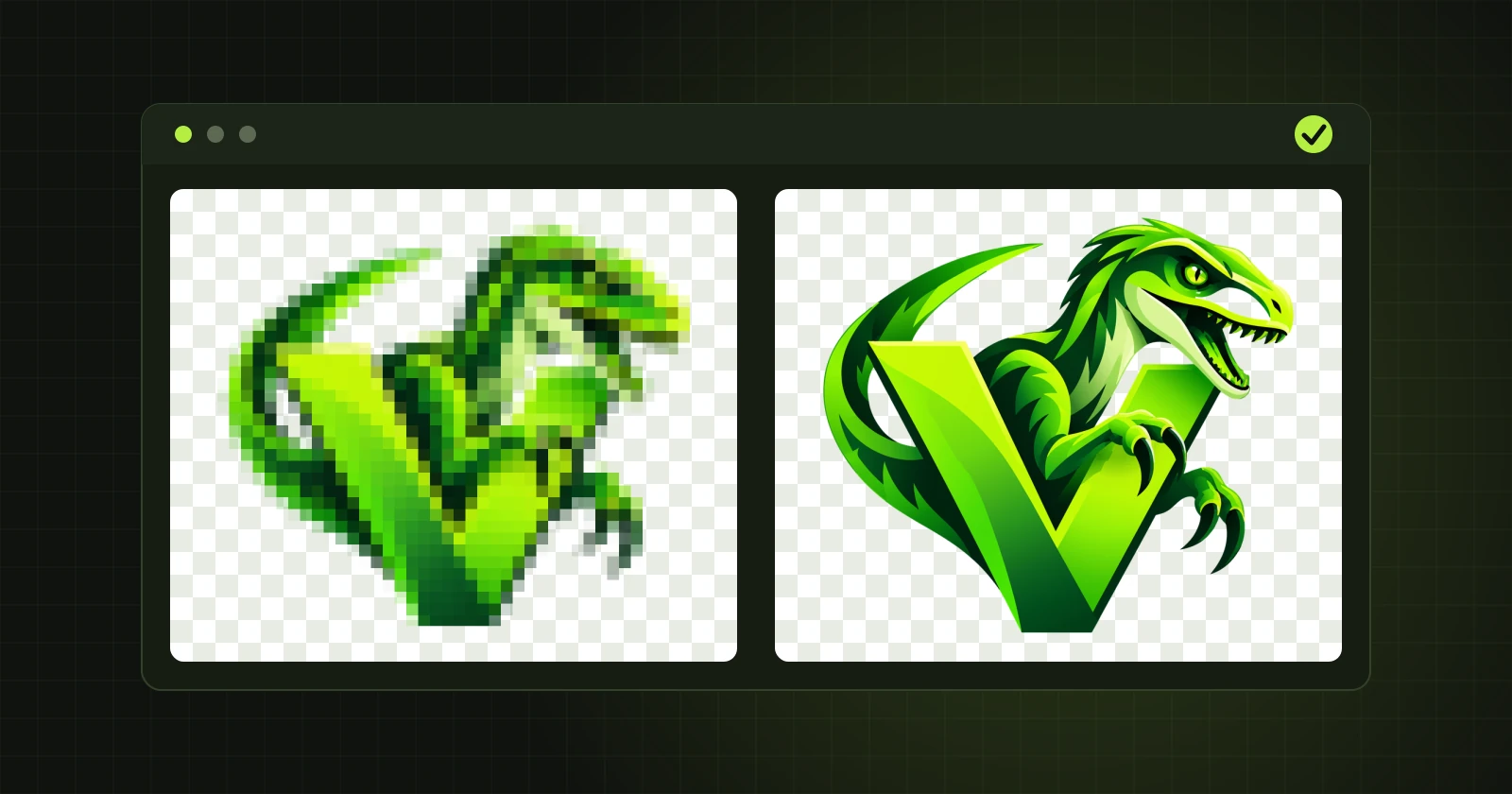
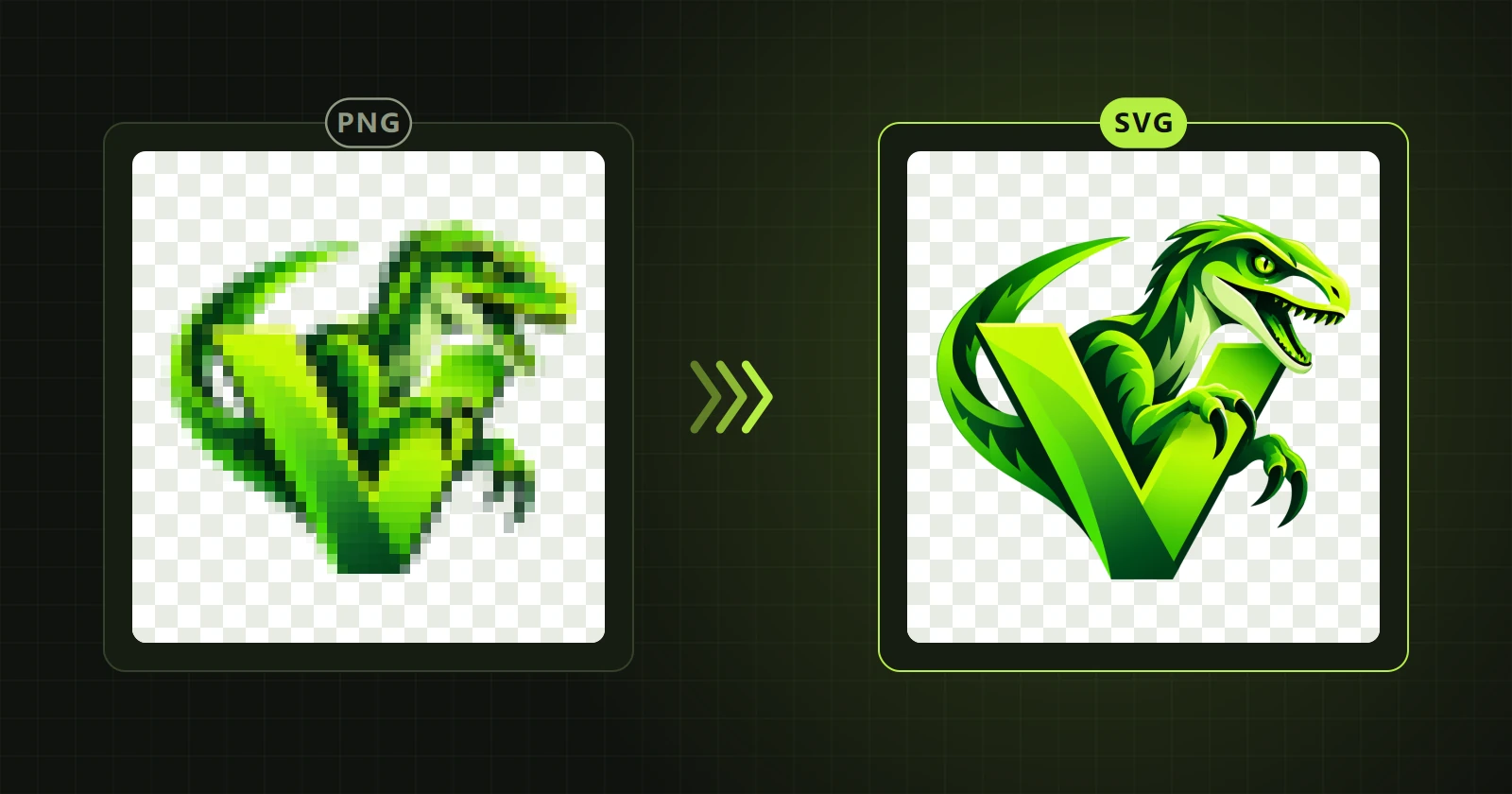
Which format to choose: SVG, PDF, AI, EPS or PSD
The same vector can be saved in several formats. The choice depends on who will open the file and in which program.
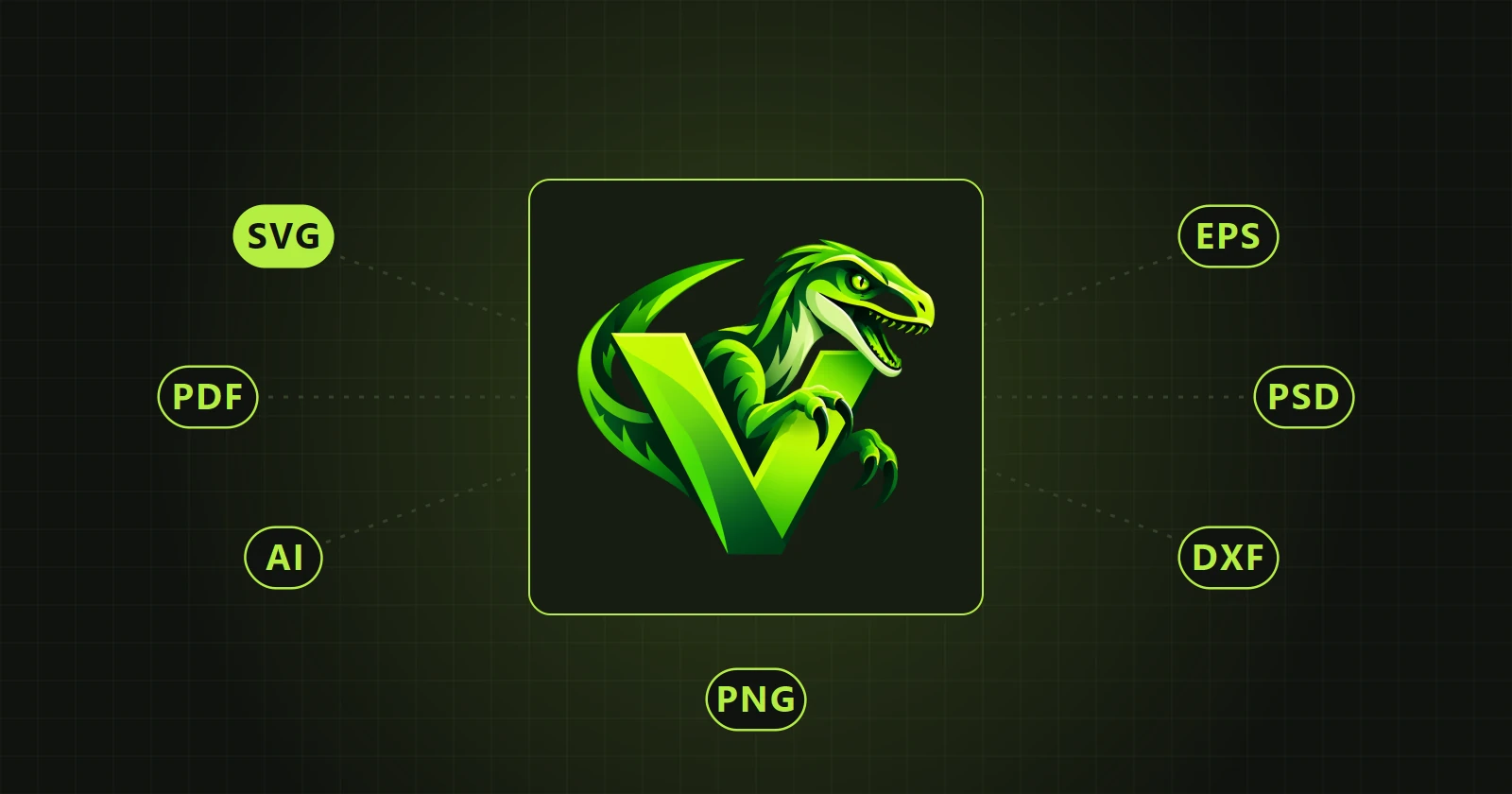
| Format | Used for | Gradients |
|---|---|---|
| SVG | Websites, Inkscape, Illustrator, Figma, Affinity | Yes |
| Printers, sending to a client, archive | Yes | |
| AI | Working in Adobe Illustrator | Yes |
| EPS | Older print workflows and programs that do not read PDF | No, one colour per object |
| PSD | Photoshop, with native shape layers | Yes |
| DXF | Cutting plotters, lasers, CNC routers | No, outlines only |
| PNG | A raster image at a chosen size | Yes |
SVG
The most universal. Every browser and every vector program opens it. It is also the best choice when the file is going to Illustrator, because Illustrator reads SVG most reliably.
A safe format to send to someone without a graphics program. It opens everywhere and still has paths inside.
AI
An AI file from VectorRaptor is a PDF compatible with Illustrator. It is saved without elements Illustrator cannot read, so it opens as editable shapes.
EPS
An older format, still required by some printers and stock libraries. It does not store gradients as vectors, so the program saves every object in one colour. If the artwork has colour transitions, choose PDF or AI.
PSD
Each shape becomes a separate shape layer in Photoshop that can be edited further. Above 200 layers the program asks for confirmation, because Photoshop may take long to open such a file. Switching on objects with gradients and using “Delete small shapes” reduces the number of layers.
DXF
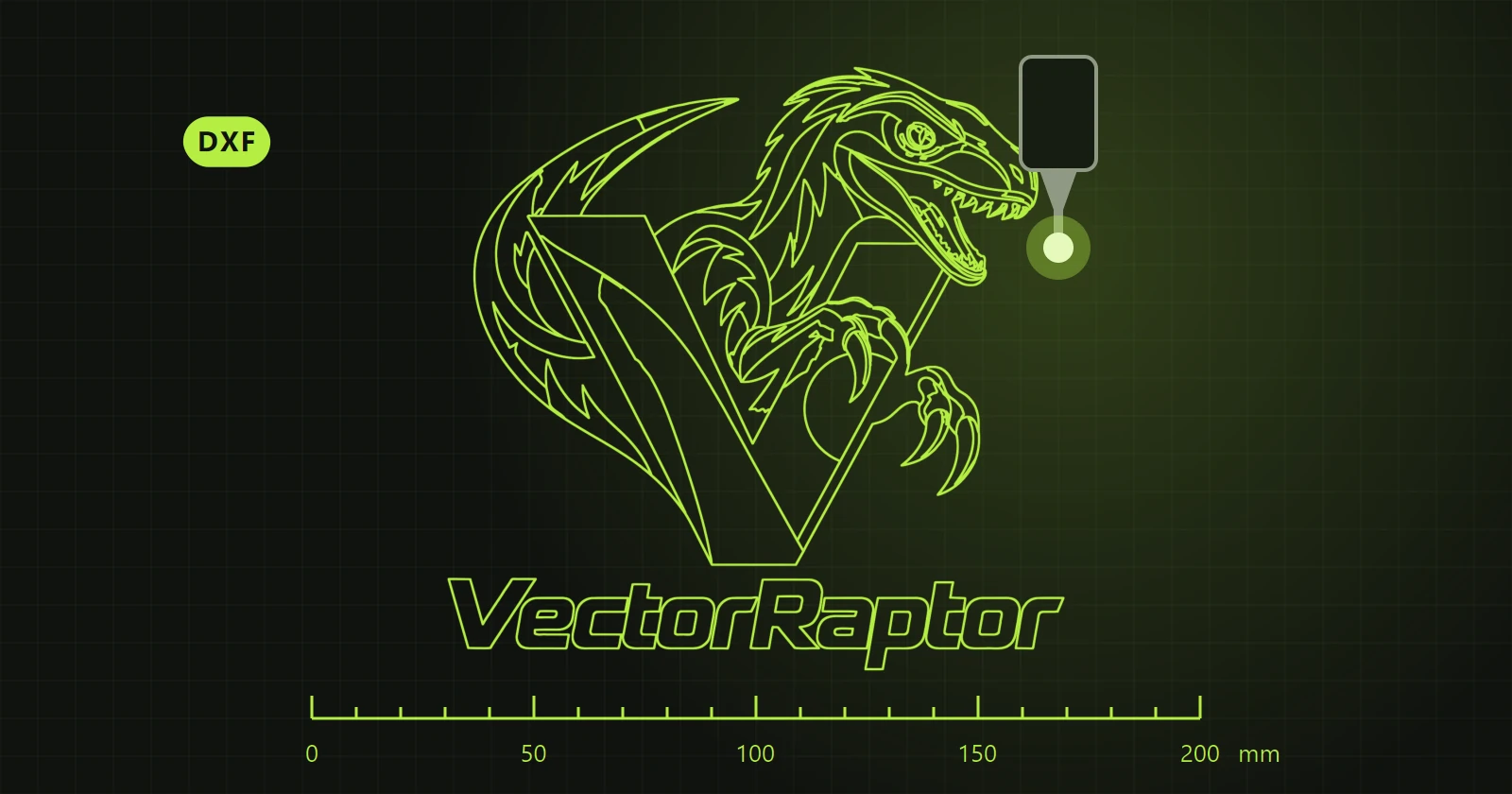
Outlines only, in millimetres, with no fills. There are three outline modes and two kinds of curves. Details: DXF files for plotters, lasers and CNC.
PNG
An ordinary raster image, but at any size you like. Useful when a small logo is needed as a large, sharp PNG with a transparent background.
The .vrp project
This is not an exchange format but the program's working file. It stores the vector with corrections and the settings in one encrypted file. You open it later and carry on, and send the client an export in one of the formats above.
One rule
Export saves exactly what the vector view shows, corrections included. After opening the file in the target program, always look it over before sending it on.
 New in the next update