
Photo to vector: what is possible and what is not
A photograph can be turned into a vector in two different ways, and each serves a different purpose. Neither adds detail that was not in the photo.
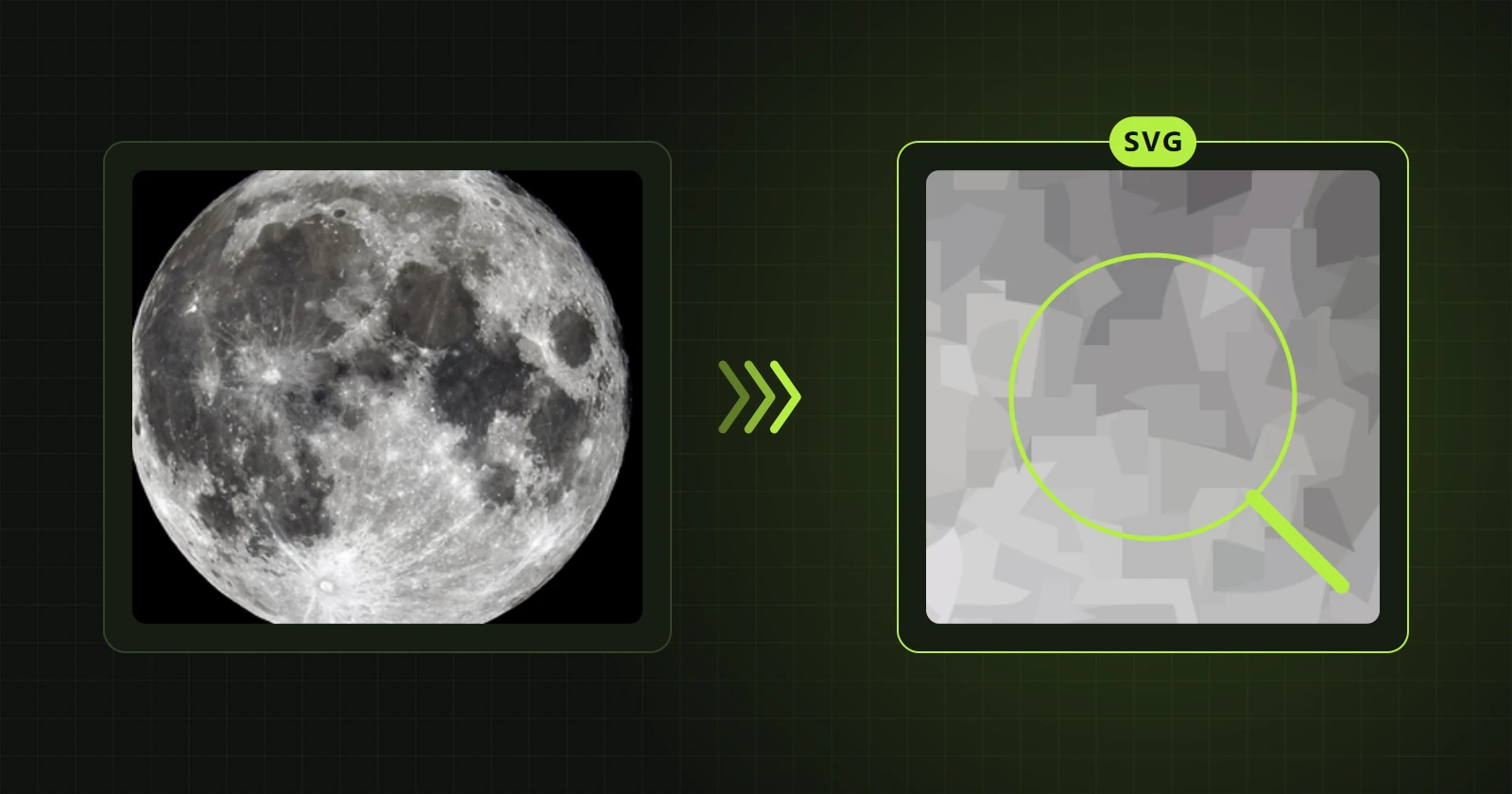
Way 1: photo mode
The photo becomes thousands of small shapes in flat colours, stacked in layers. From a normal distance it looks like the photograph. As a vector it scales to any print size, large format included, with no pixels and no blur.
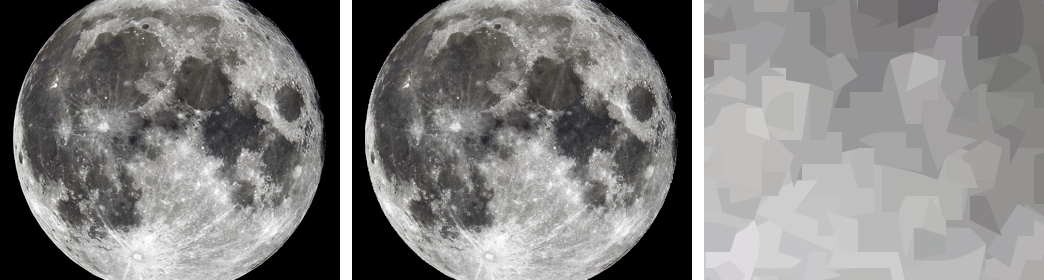
Worth knowing:
- Conversion takes from a few seconds to a few tens of seconds.
- The result is saved as SVG only. Editing tools and the other formats do not work in this mode.
- The file has tens of thousands of shapes and is usually 10-50 MB, so it opens more slowly than ordinary vector artwork.
- Greatly enlarged, it shows a mosaic of flat patches with sharp edges. That is a property of the method, not a fault.
Way 2: a simplified illustration
Ordinary vectorization of a photo gives an illustration with a limited number of shapes. It no longer looks like a photograph but like artwork based on one. In return you can edit it with every tool and save it in every format.
This way is slower. A photo with many colours takes minutes, and at high detail it needs a lot of memory. Reducing the size (“Fit size”, 1024 px for example) and lowering the detail both help.
How to choose
| You need | Choose |
|---|---|
| A large print of a photo with no pixels | Photo mode |
| Artwork for a T-shirt or poster in a few colours | Simplified illustration |
| A file in which you will change colours and shapes | Simplified illustration |
| A file for a plotter or laser | Simplified illustration and DXF export |
How to switch it on
In automatic mode the program recognises a photo itself and asks: “Photo mode” or “Vector graphic”. In manual mode tick “Photo mode (SVG only)” under the image type.
What vectorization will not do
It will not sharpen a blurred photo or recreate detail lost to compression. A vector renders what is in the image. A low-resolution photo turned into a vector is still a photo with little detail, only without visible pixels.
 New in the next update