Desktop program or online converter: how they differ
A browser converter is convenient for a single simple graphic. A desktop program makes sense when the file must not leave the company, when the result needs correcting, or when you do this regularly.
Three differences that matter
1. Where the file goes
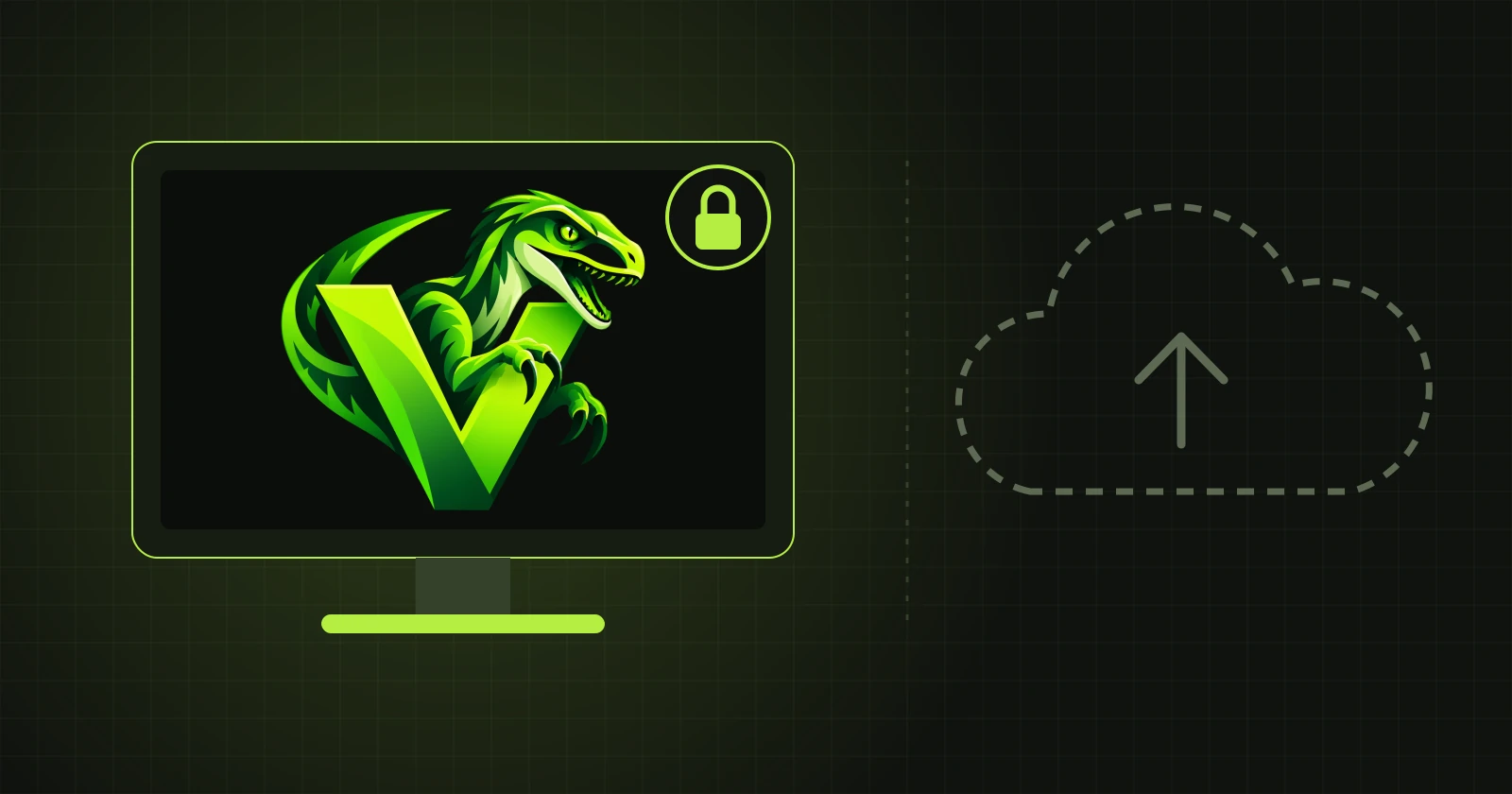
An online converter has to receive your image on its server. With a desktop program the image stays with you. VectorRaptor computes the vectorization locally and connects to the internet only to check the licence.
2. What you can do with the result
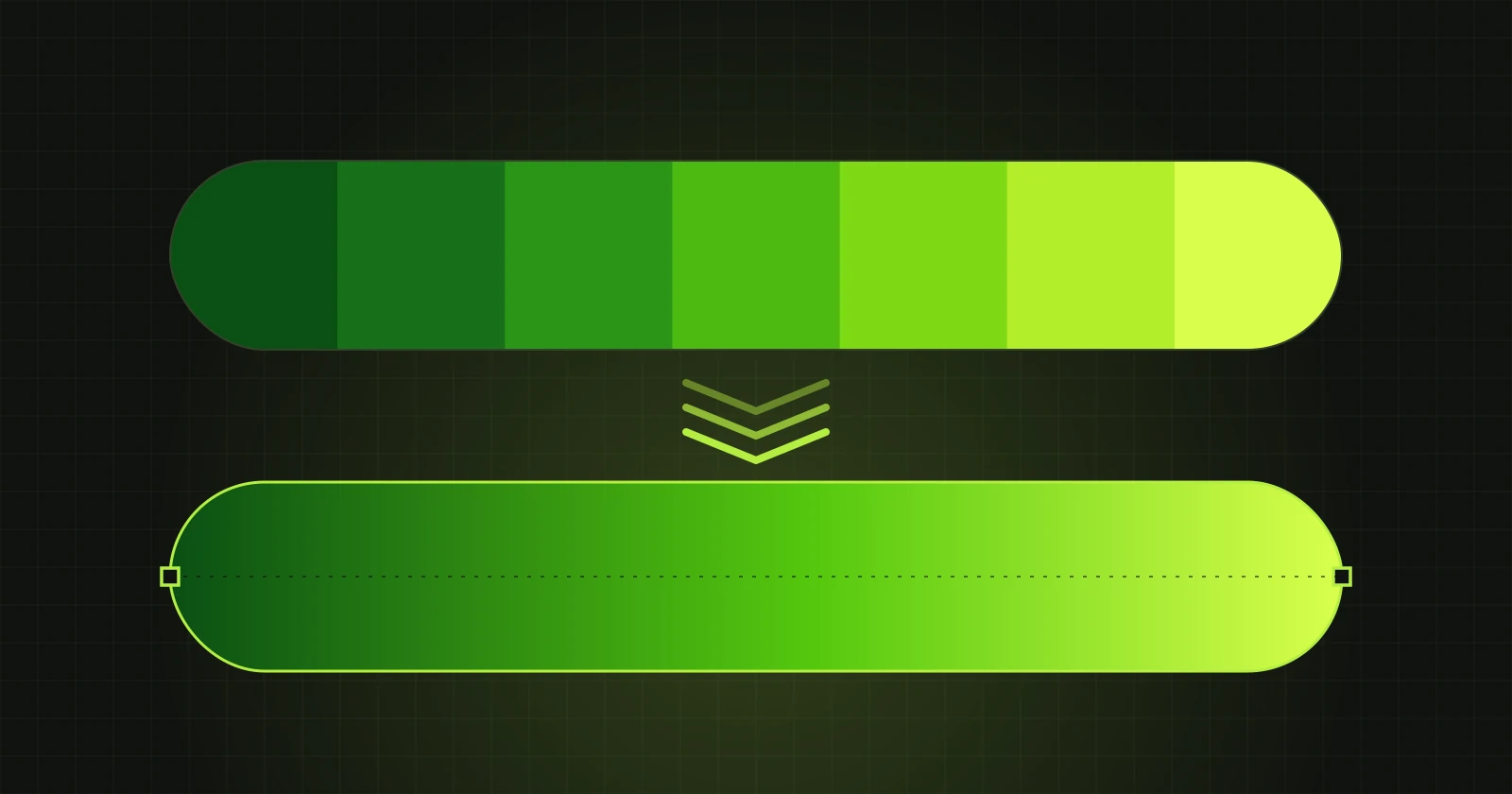
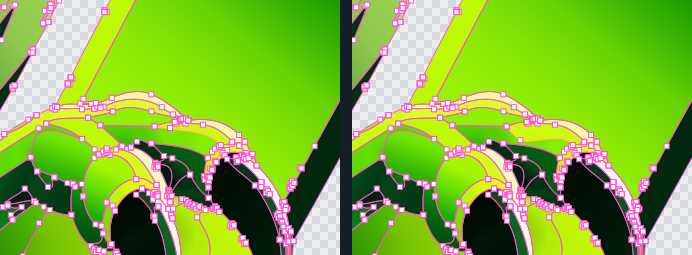
Most converters hand over a finished file and that is the end of it. If one edge came out crooked, you start again with other settings or fix it in a separate program. In VectorRaptor you correct the result straight away: bend a boundary, move a point, recolour a shape, apply a gradient, join or delete shapes. Neighbouring shapes share one boundary, so a correction leaves no gaps.
3. Output formats
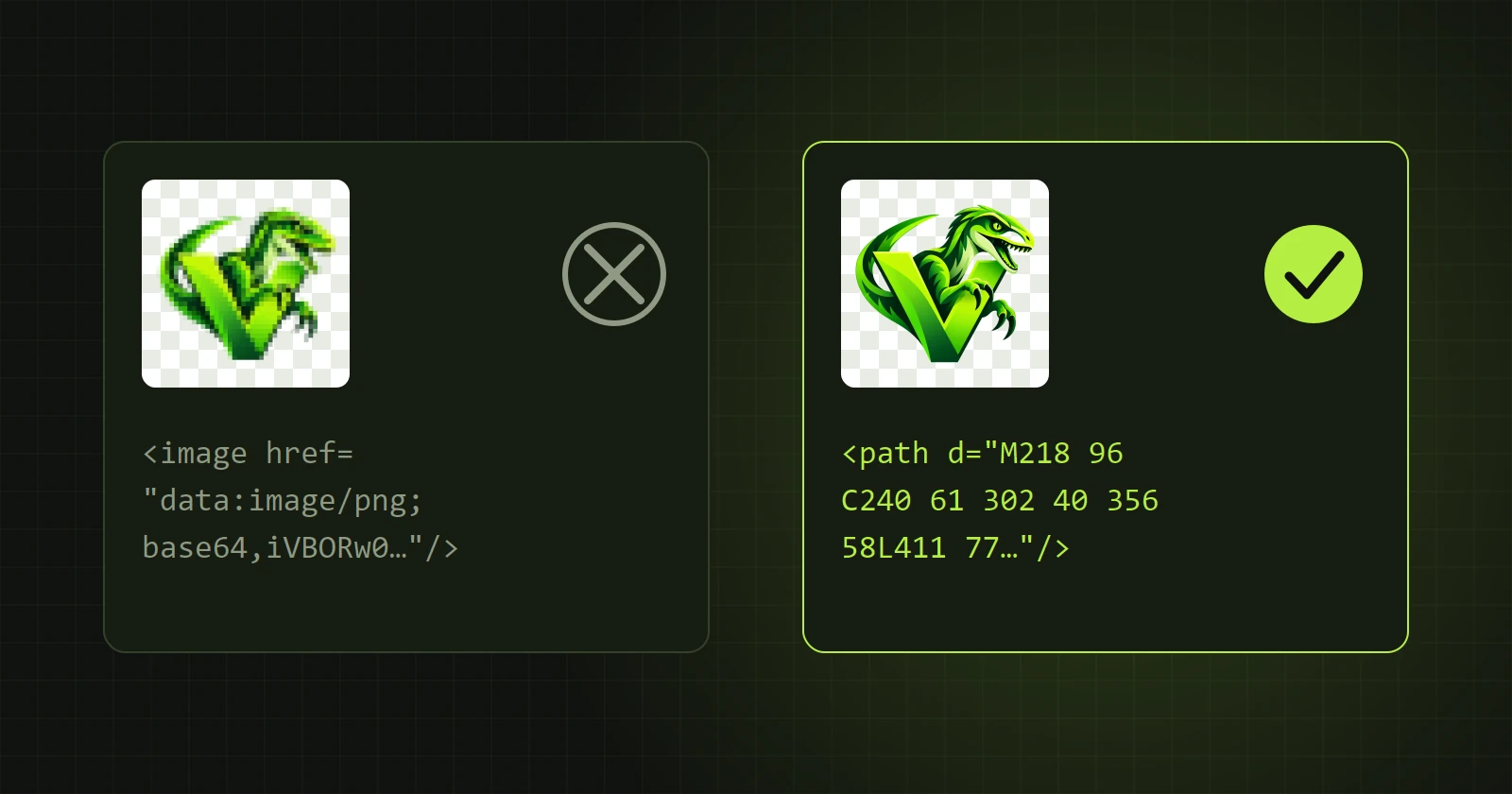
Online converters usually give SVG, sometimes PDF. The program saves the same result as SVG, PDF, AI, EPS, PSD with shape layers, PNG, and DXF for plotters and lasers. Which format suits what is covered in Which format to choose.
When an online converter is enough
- You have one simple graphic in a few flat colours.
- The file is not confidential.
- Nothing in the result needs correcting.
When a program is better
- You work on clients' material and do not want to send it to anyone.
- The artwork has gradients, shadows or fine detail and you want to inspect the result enlarged.
- The result goes further: to print, to Illustrator, to a plotter.
- You do this often and do not want limits on the number or size of files.
The program's drawbacks, honestly
It has to be installed and it runs only on Windows. Converting a logo takes tens of seconds rather than a fraction of one, because the program fits curves to the picture instead of merely outlining pixels. Exporting requires a paid licence. The demo version lets you check the result on your own artwork first: how to use it.