How to try VectorRaptor on your own artwork
The demo version has every conversion and editing tool. It does not save projects or export files. That is enough to judge the result on your own images before buying.
What works in the demo version
- Opening images and every conversion setting.
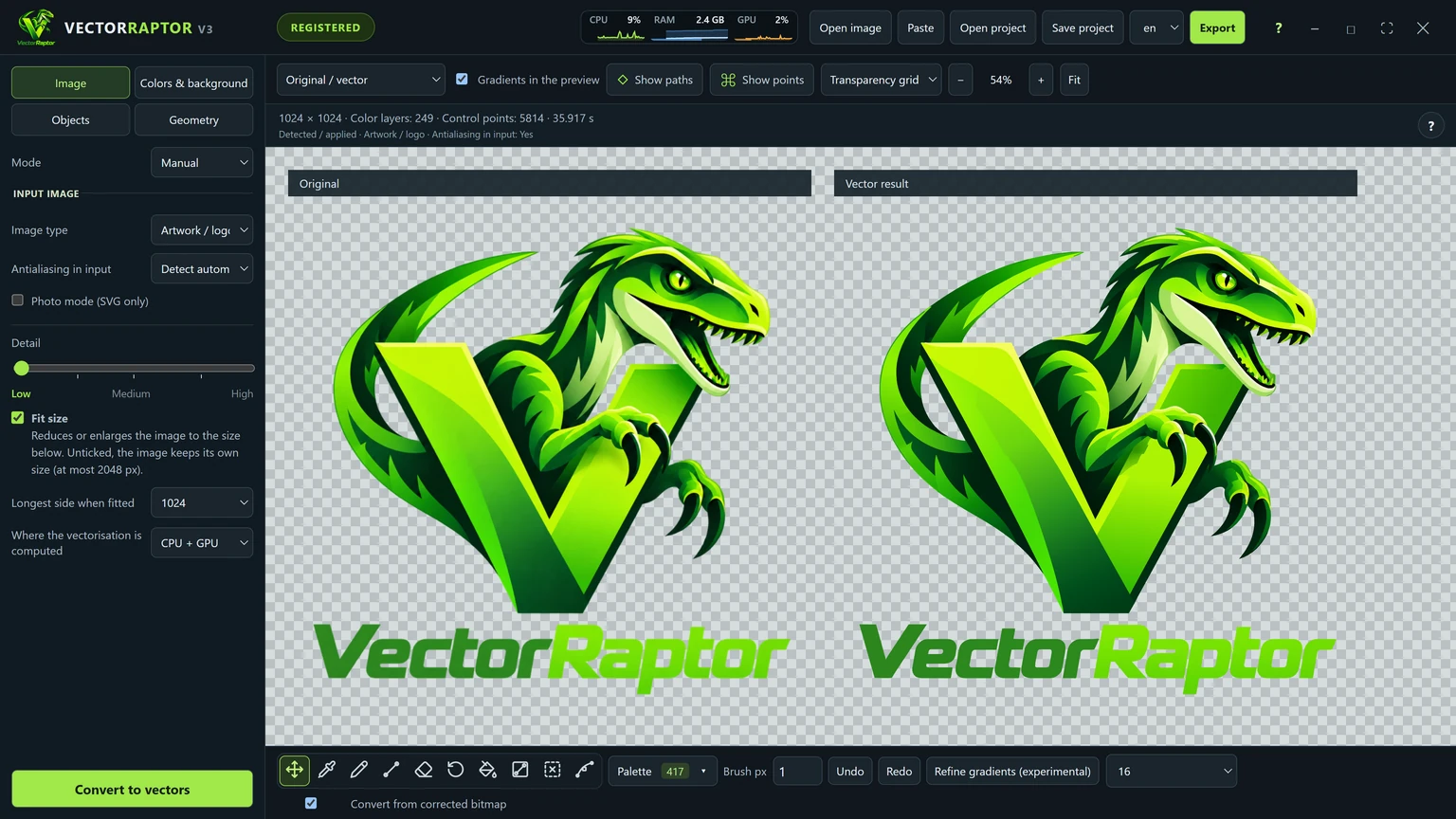
- Comparing the original with the vector, showing paths and points.
- All editing tools: paths, colours, gradients, joining and deleting shapes.
- Photo mode.
What is left out
- Saving a .vrp project.
- Exporting to any format.
You can inspect and correct the result in the program, but not take it with you. That requires a Pro licence.
A plan for a quarter of an hour
- Take three of your own images: an easy one (a simple logo), one typical of your work, and a hard one (gradients, small text, poor quality).
- Convert each at the starting settings. Note how long it took on your computer.
- Compare under zoom. Look at letters, sharp tips and colour transitions beside the original.
- Switch on “Show points”. See whether the number of points allows comfortable editing.
- Correct one thing. Smooth a boundary, recolour a shape, apply a gradient. You will see whether this way of working suits you.
Requirements
Windows 10 or 11 (64-bit). An NVIDIA graphics card is not required but speeds up conversion. The program also uses several processor cores. Microsoft Store installs and updates it.
If you decide on a licence
The Pro licence is a monthly or yearly subscription for one or two computers. After the purchase the key arrives by e-mail. You enter it in the licence window, and saving and exporting work at once. The subscription can be cancelled at any time, and the licence then works until the end of the paid period. Current prices are on the purchase page.
Where to start
If you are not sure what to check first, go through How to vectorize a logo, step by step on your own file.